Updating Newer Lowrance Chart Plotters with WiFi Network Capability
Posted: Sat Dec 26, 2015 2:11 pm
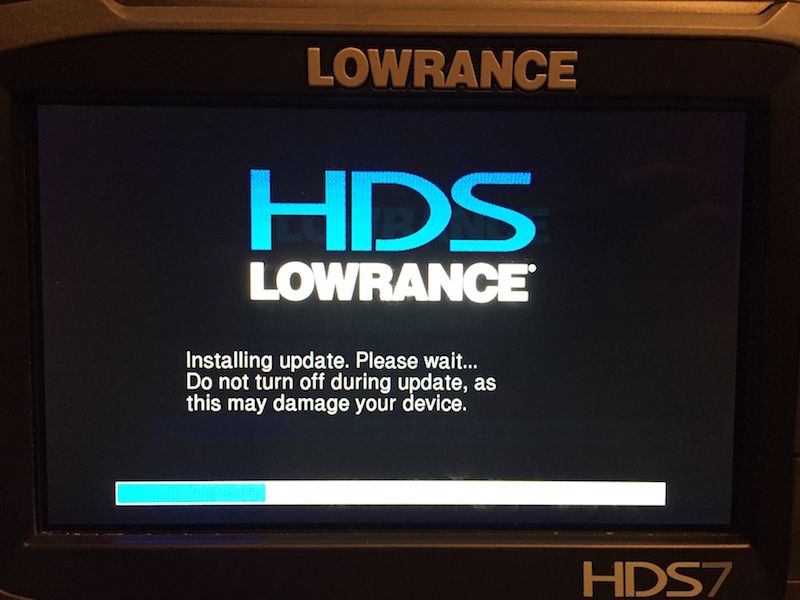
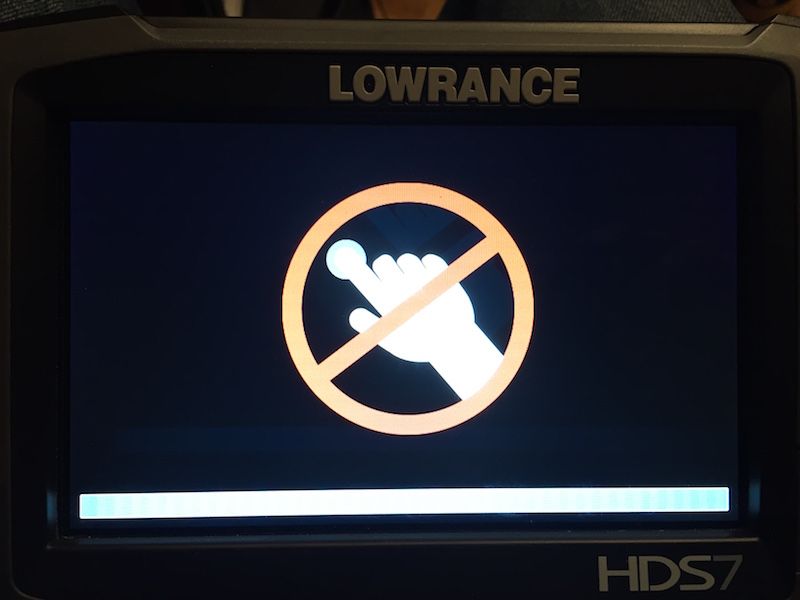
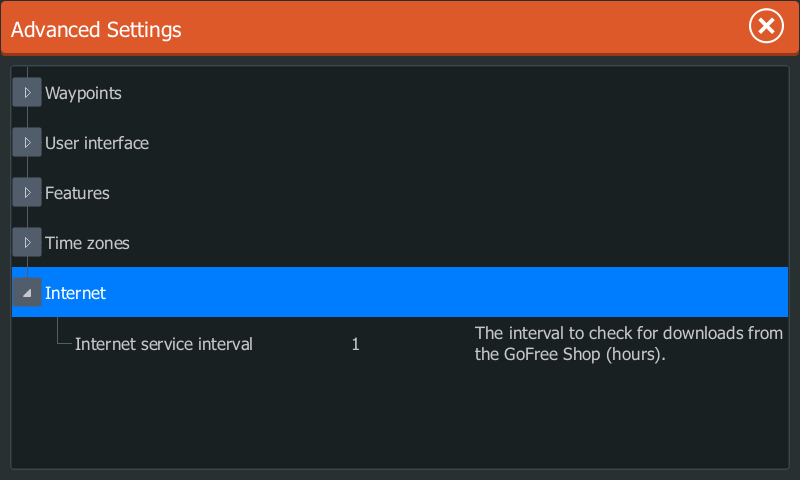
The easiest and simplest way I found to update my HDS Gen3 is to simply turn the unit on in my driveway.
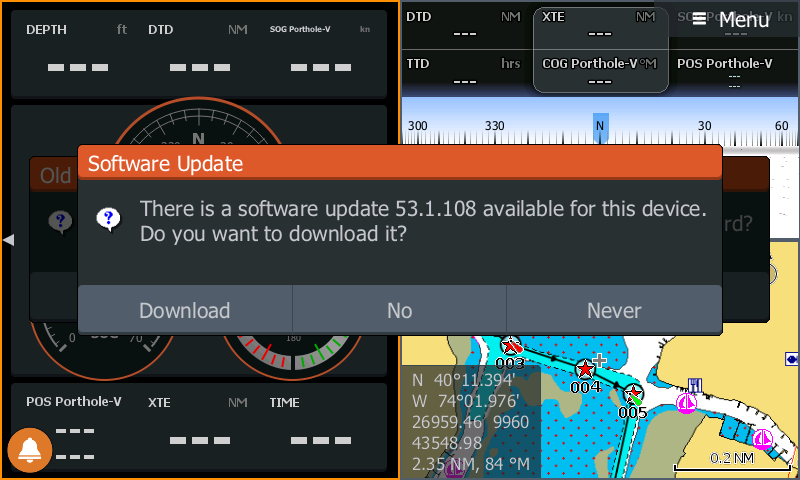
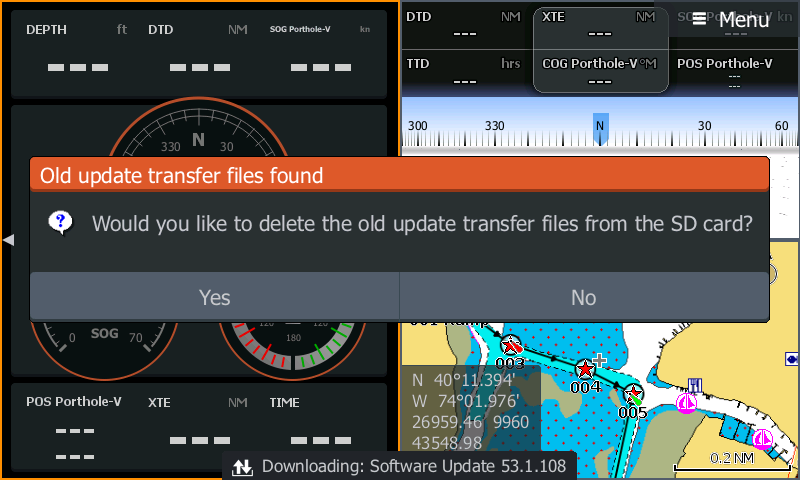
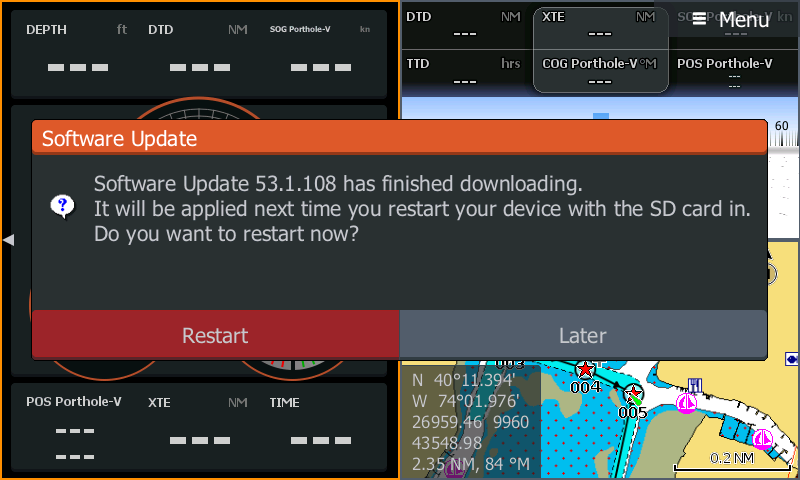
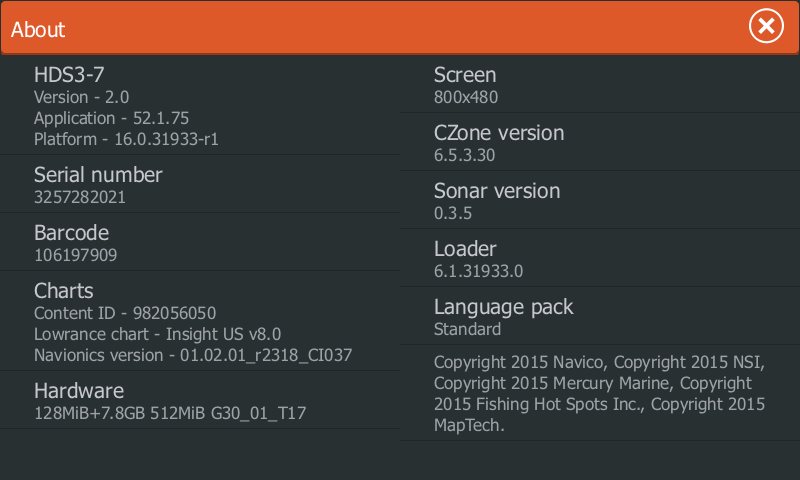
It automatically connects to my home network and I just follow the prompts to update the software wirelessly. I haven't done the update in a while so I don't remember the exact steps to do it wirelessly.
The manual doesn't mention the wireless update, presumably because the manual was written prior to the 1.5 or 2.0 software release. I do wonder why the manual hasn't had an update on the Lowrance website though. PDF files are easy to update.
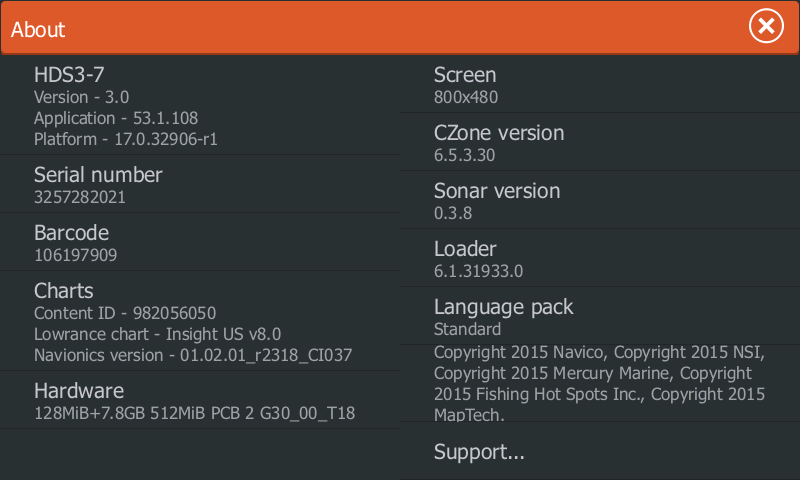
I will check the sequence for updating in the next week or two. I just saw that Lowrance has released a version 3.0 software update. But, I will need to order a spare power cable, since I pull my electronics for the winter.
Lowrance HDS 3.0 update- release date Dec 21, 2015
Lowrance Gen3 manual
Amazon Lowrance HDS Gen3 power cord (blue connector)
It automatically connects to my home network and I just follow the prompts to update the software wirelessly. I haven't done the update in a while so I don't remember the exact steps to do it wirelessly.
The manual doesn't mention the wireless update, presumably because the manual was written prior to the 1.5 or 2.0 software release. I do wonder why the manual hasn't had an update on the Lowrance website though. PDF files are easy to update.
I will check the sequence for updating in the next week or two. I just saw that Lowrance has released a version 3.0 software update. But, I will need to order a spare power cable, since I pull my electronics for the winter.
Lowrance HDS 3.0 update- release date Dec 21, 2015
Lowrance Gen3 manual
Amazon Lowrance HDS Gen3 power cord (blue connector)